Create payments through simple, reusable links. Useful for emails, invoices, websites, and newsletters, and no-code integrations.
STEP 1
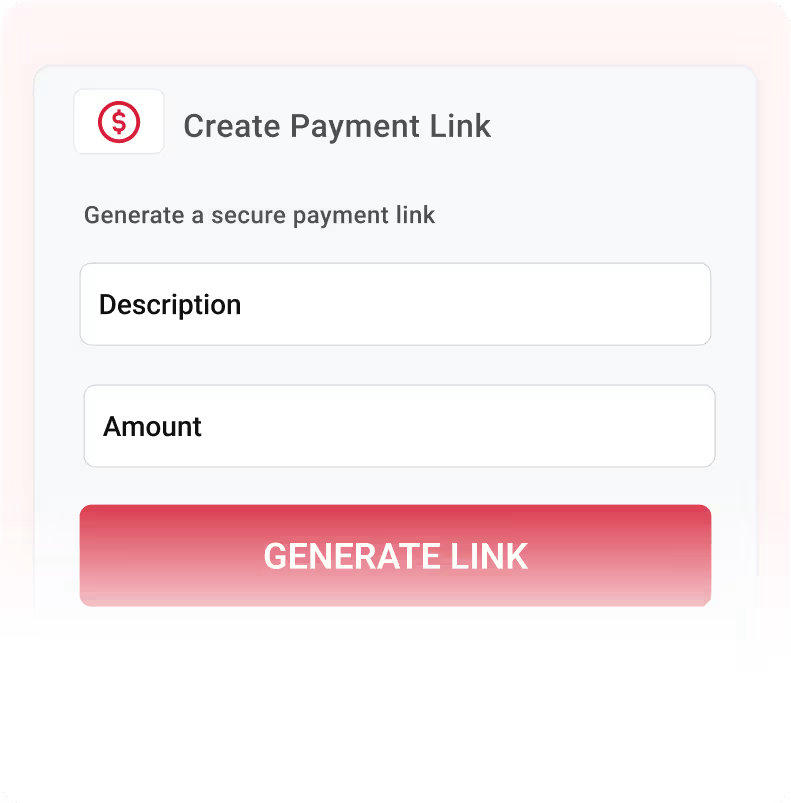
Create a custom payment link
Create a custom payment link URL using the payment link generator.
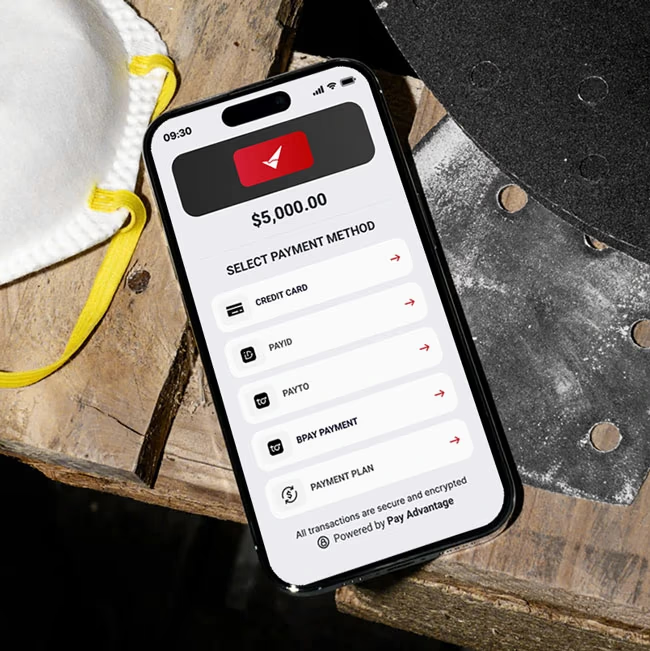
Create payments through simple, reusable links. Useful for emails, invoices, websites, and newsletters, and no-code integrations.
Received from Dave Brow
Create payments through simple, reusable links.
Useful for emails, invoices, websites, and newsletters, and no-code integrations.
Custom Payment Links are reusable URLs that take customers directly to your branded payment portal.
These payment links can be customised with a specific amount and description, and allow your customers to self-register at checkout.
Unlike payment requests , a Custom Payment Link can be used at any time, as many times as you like.

Create a payment link once then use it forever. Perfect for product or service payment links, social media promotions, workshops, e-brochures, websites, or recurring email communications.
Set the purpose of the payment (e.g., "Consultation Fee", "Registration", "Donation") and the amount so customers always know what they are paying for. Allow your customers to self-register and pay at the same time.
Create a custom payment link and let your customers contribute their desired amount. Perfect for donation and fundraiser events.
If your system already knows the customer and amount, you can include those details in the link and send customers straight to checkout. No coding or API required.
Your customer payment links instantly support:
 Credit Cards
 Apple Pay
 Google Pay
 PayID
PayID Bank Account Payments Via PayTo
Create a custom payment link URL using the payment link generator.
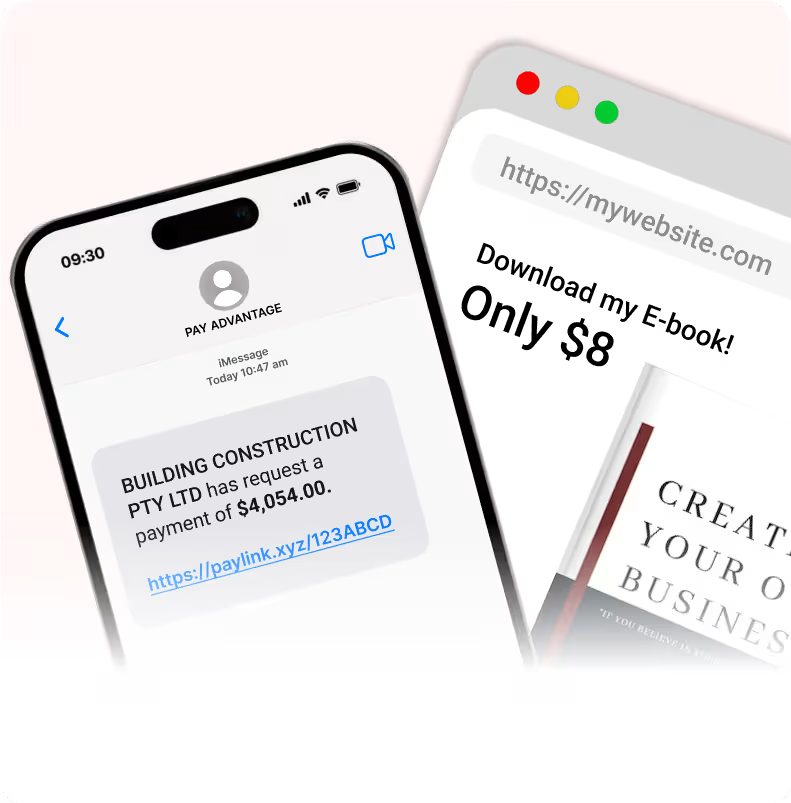
Add it to your website, emails, SMS, invoices, or embed into your application.
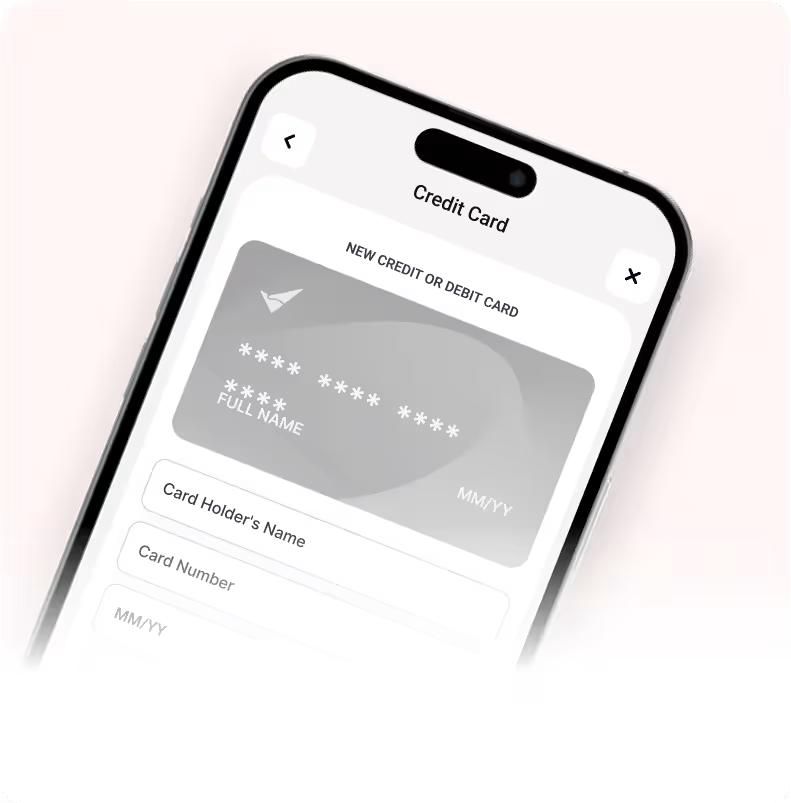
A customer follows the payment link then enters any remaining required details, and chooses their preferred payment method.
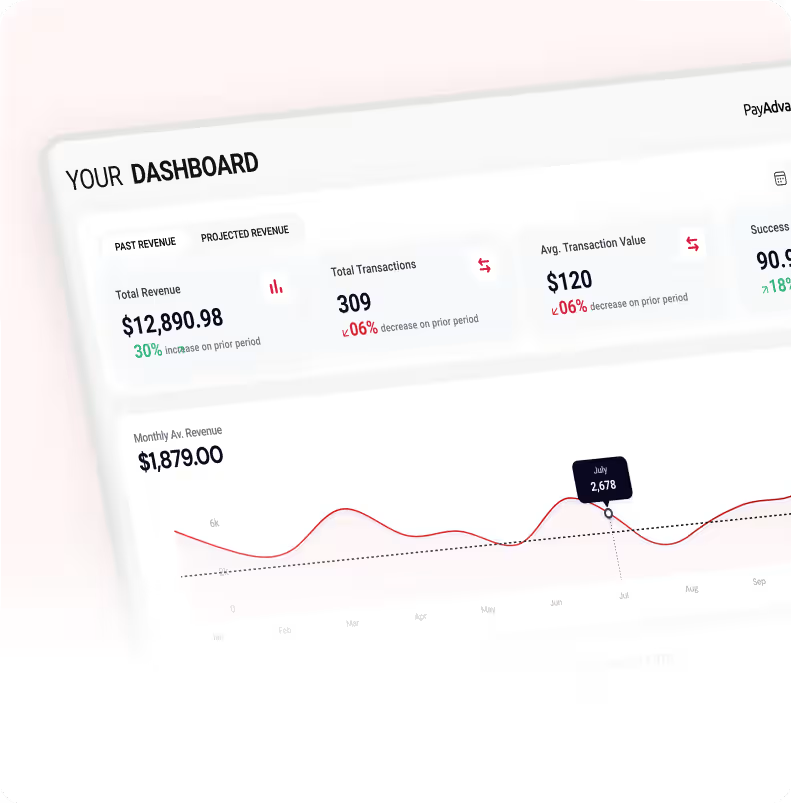
Payments appear instantly in your portal, with push notifications to your mobile app.
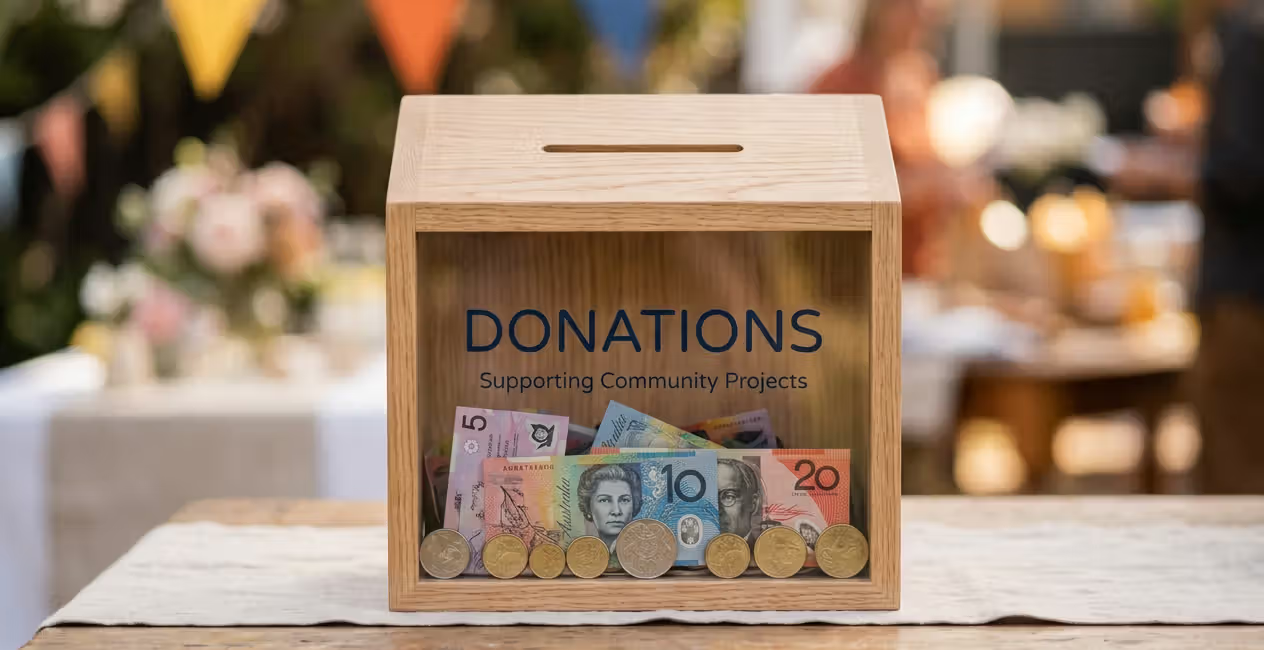
Set up a simple "Pay Any Amount" donation link that can be shared on social media, emails, or event registrations to accept payments from anyone for any amount.

Create fixed-price links for workshop sign-ups, renewals, or annual fees. No need to manually invoice members.

Send a single "Pay Invoice" link that lets customers enter the amount and description, with the payment automatically linked to their customer number.

Create a fixed fee link that can be reused for jobs or for links on websites to pay for products.

Let your system generate a payment link with customer details and amounts. Perfect for low-cost integrations without coding or API integration.
Already have the customer details in your system? Use them to generate smart payment links that take customers straight to checkout.
'/%3e%3cpath%20d='M30.4047%2029.7276C30.3872%2029.7135%2030.3717%2029.6986%2030.3517%2029.6881V29.6881C30.2684%2029.6439%2030.1704%2029.6179%2030.0778%2029.5996L25.6307%2028.7178L25.3934%2028.6783C25.1621%2028.6204%2024.9097%2028.6471%2024.7597%2028.6811C24.6802%2028.6991%2024.6007%2028.7198%2024.523%2028.7441V28.7441C24.473%2028.7596%2024.4186%2028.765%2024.3688%2028.7811C23.869%2028.942%2023.2738%2029.2002%2022.8219%2029.3508C22.1099%2029.6277%2021.3582%2029.9442%2020.6461%2030.0629C20.4088%2030.1024%2020.1714%2030.142%2019.9736%2030.142C19.1033%2030.142%2018.7077%2029.7464%2018.4307%2029.4695C17.6406%2028.6793%2018.1222%2027.4652%2018.2176%2027.2483C18.2245%2027.2325%2018.2129%2027.2145%2018.1957%2027.2145V27.2145C18.1941%2027.2145%2018.1926%2027.2144%2018.1911%2027.2141L12.8512%2026.1617C12.7996%2026.1515%2012.7471%2026.1464%2012.6945%2026.1464V26.1464C12.6549%2026.1464%2012.6549%2026.1464%2012.6154%2026.1464C12.2989%2026.1464%2012.0615%2026.3838%2012.0615%2026.7002C12.0615%2026.8585%2012.1011%2026.9772%2012.2198%2027.0958L12.2593%2027.1354L24.8012%2038.6124C24.8207%2038.6302%2024.8525%2038.6605%2024.8712%2038.6791V38.6791C24.8731%2038.681%2024.8802%2038.6878%2024.8824%2038.6893C25%2038.7676%2025.1176%2038.8453%2025.2351%2038.8453C25.4329%2038.8453%2025.5912%2038.7662%2025.6703%2038.6079L26.0659%2037.975L30.5362%2030.5772C30.6153%2030.4585%2030.6549%2030.3794%2030.6549%2030.2607C30.6549%2029.9996%2030.5494%2029.844%2030.4047%2029.7276Z'%20fill='white'/%3e%3cpath%20d='M39.8227%2013.8897C39.8036%2013.884%2039.7836%2013.8825%2039.7636%2013.8825V13.8825C39.7311%2013.8825%2039.6989%2013.8756%2039.6665%2013.8727C39.556%2013.8628%2039.4273%2013.9272%2039.3585%2013.9616L20.8838%2026.4231L19.5326%2027.3239C19.485%2027.3556%2019.4355%2027.3754%2019.4037%2027.423V27.423C19.3931%2027.4389%2019.3723%2027.4569%2019.3569%2027.4681C19.1352%2027.6286%2019.0244%2027.8975%2019.0244%2028.2033C19.0244%2028.7176%2019.4596%2029.1528%2019.9739%2029.1528C20.8442%2029.1528%2023.1387%2028.2033%2023.2969%2028.1242C24.2859%2027.7286%2025.275%2027.4121%2026.0662%2027.5704C26.264%2027.6099%2029.1519%2028.1638%2030.2596%2028.4011L31.1703%2028.5909C31.196%2028.5962%2031.2223%2028.5989%2031.2486%2028.5989V28.5989C31.2881%2028.5989%2031.2881%2028.5989%2031.3277%2028.5989C31.5134%2028.5989%2031.6642%2028.5292%2031.7475%2028.3897C31.7584%2028.3715%2031.7705%2028.3539%2031.7856%2028.3389V28.3389C31.7968%2028.3277%2031.8007%2028.3249%2031.8089%2028.3113C32.0507%2027.913%2038.9744%2016.5047%2039.987%2014.8053C40.072%2014.6627%2040.1892%2014.5232%2040.1892%2014.3572V14.3572C40.1892%2014.1691%2040.0103%2013.9452%2039.8227%2013.8897Z'%20fill='white'/%3e%3cdefs%3e%3clinearGradient%20id='paint0_linear_2303_43'%20x1='52.685'%20y1='-1.631e-05'%20x2='4.61479'%20y2='-3.90519'%20gradientUnits='userSpaceOnUse'%3e%3cstop%20stop-color='%23C10505'/%3e%3cstop%20offset='1'%20stop-color='%23D51E33'/%3e%3c/linearGradient%3e%3c/defs%3e%3c/svg%3e)
Your system can simply insert parameters into the URL, and the customer is taken straight to a prefilled payment page.
No authentication, no API, no tokens — just a link.
A custom payment link is a reusable, branded URL that takes customers straight to your Pay Advantage payment portal, where they can pay by card, Apple Pay, Google Pay, PayID, or PayTo — with no coding or API required.
No, they are designed to be reused indefinitely unless you choose to disable them.
Yes, you can collect customer details or prefill them dynamically using URL parameters.
No, payment links cannot be tracked.
No, simply create the custom link by adding the correct values.
Absolutely. Create as many as you need with unique descriptions and pricing.
Create your first custom payment link in seconds and start accepting payments instantly.